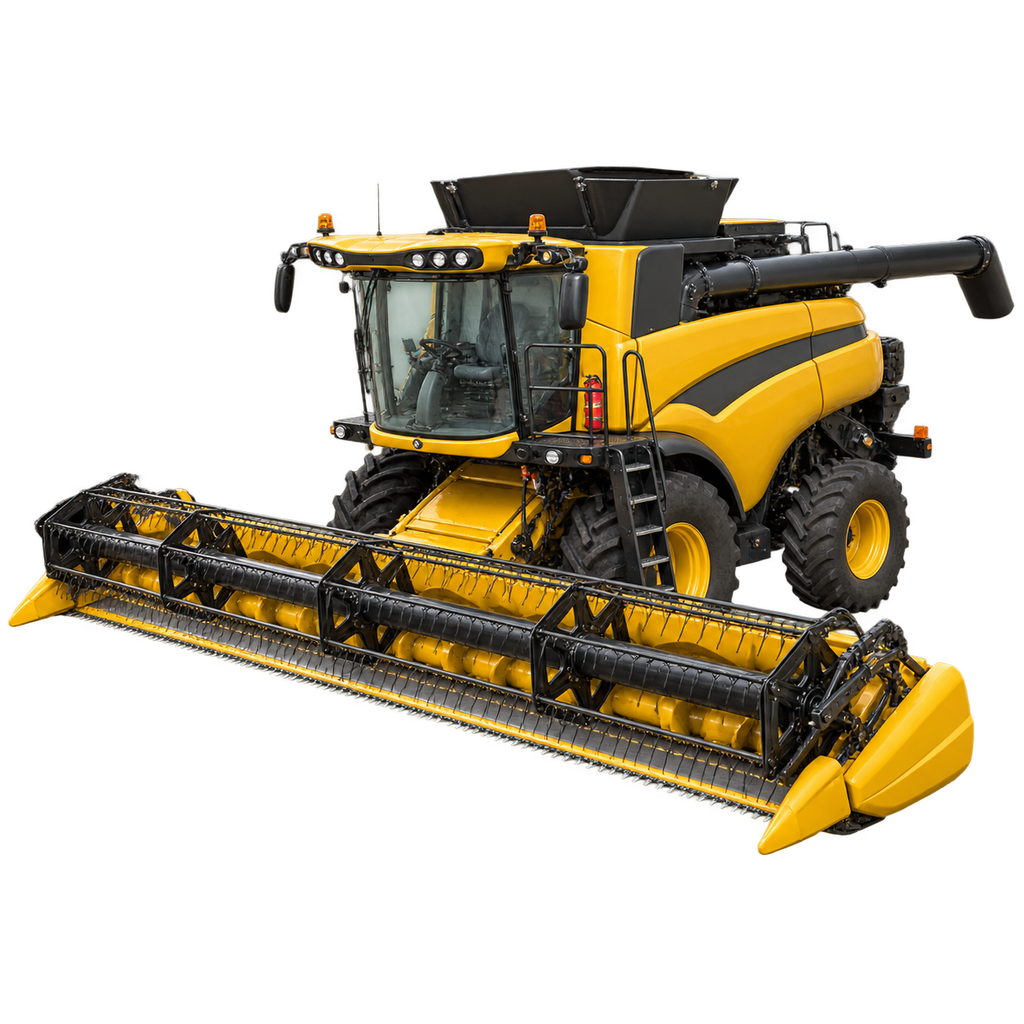
What matters in play
A combine is only one part of the chain: crop-compatible header, unloading reach and trailer throughput decide whether it works.
ROLEGrain and selected crop harvest
CHECK FIRSTCrop icon on combine and header
BOTTLENECKHeader fit and unloading logistics
OWNERSHIPLease candidate when harvest hours are low
Version boundary
Exact prices, yields, capacities and cycle rates can change by patch, economy difficulty, map and mods. This page publishes the stable workflow and labels every current-content boundary.
What you need before starting
- 01
Combine compatible with the crop
- 02
Matching header and header trailer if needed
- 03
Unload trailer and storage/sale route
Chronological workflow
- Step 1Start from the crop icon, not brand or appearance.
- Step 2Pair the correct header and check attachment compatibility.
- Step 3Plan field access and header transport.
- Step 4Keep an unload trailer available so the grain tank does not stop the machine.
Decisions that change the result
- Header width raises field rate but also transport and terrain risk.
- Leasing can be rational for one short harvest window.
- A large tank cannot compensate for a slow unload fleet.
When the workflow is not working
Header attaches but will not harvest
Check crop readiness and crop icons on both machines.
AI misses strips
Verify detected width, side offset and headland settings.
Harvest stops repeatedly
Fix trailer timing or destination capacity.
Source ledger
Evidence A is first-party GIANTS material. Each link below is selected for this entity instead of reusing a generic site-wide source list.